
Copier Scan-to-Email Troubleshooting
3 Reasons Scan-to-Email Suddenly Stops Working
Scan-to-email problems are common with business copiers and multifunction printers. The copier may still print and copy normally, but scanned documents fail to send by email.
Call 949-372-9853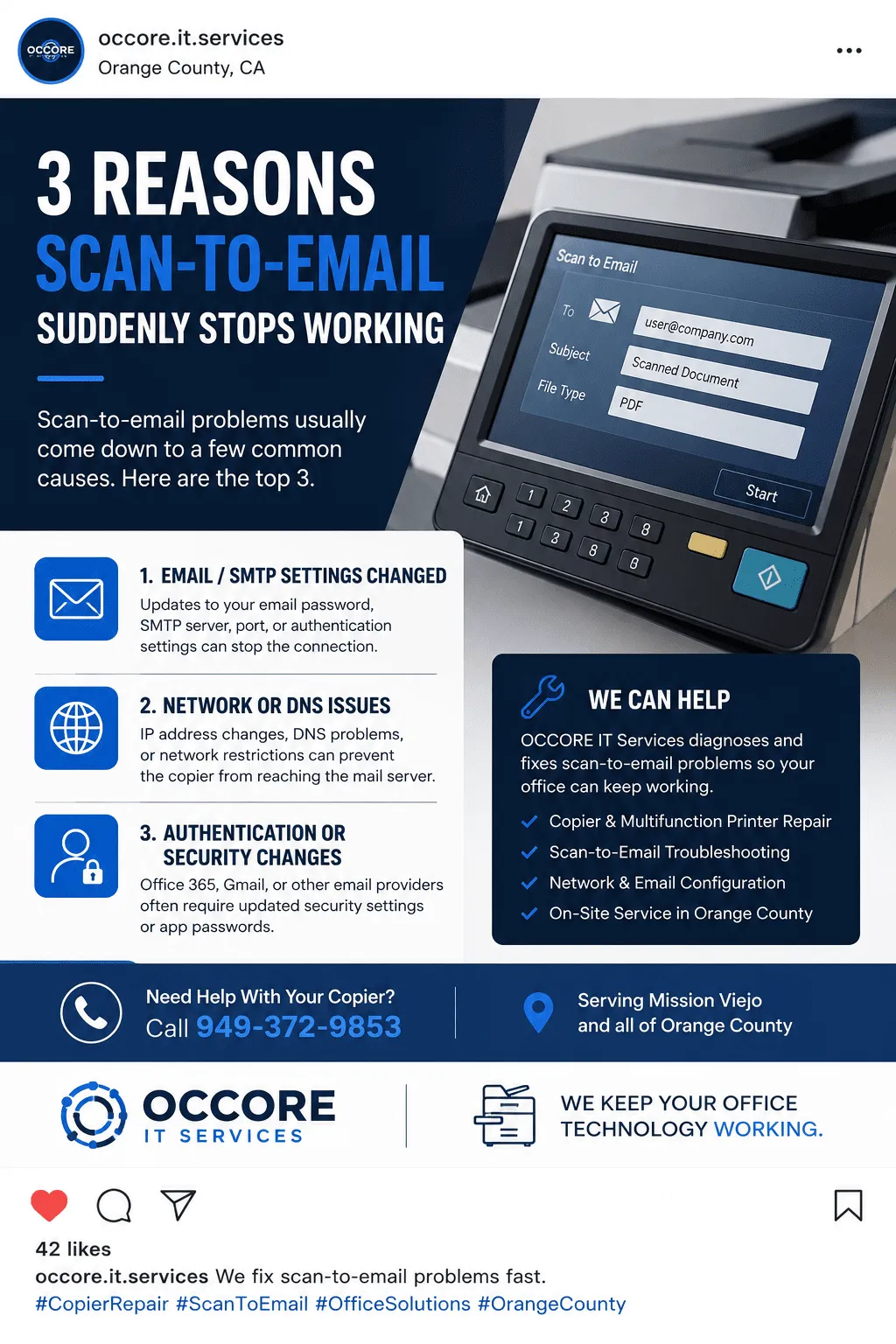
1. Email or SMTP Settings Changed
Password changes, SMTP server changes, port settings, or authentication updates can stop the copier from sending scans.
2. Network or DNS Problems
IP address changes, DNS issues, firewall restrictions, or router changes can prevent the copier from reaching the mail server.
3. Security or Authentication Changes
Microsoft 365, Gmail, and other providers may require app passwords, modern authentication, or updated security settings.
We Fix Scan-to-Email Problems for Orange County Businesses
OCCORE IT Services helps diagnose copier scan-to-email problems, network printing issues, SMTP settings, copier configuration, workstation printing problems, and office technology issues.
- Canon and Sharp copier scan-to-email troubleshooting
- SMTP, DNS, IP address, and network configuration support
- Microsoft 365, Gmail, and business email configuration help
- Copier repair and office printer support in Orange County