
Copier Scan-to-Email Troubleshooting
Copier Scanning But Not Emailing?
If your copier scans documents but will not send them by email, the scanner may be working correctly while the email settings, network connection, or authentication are failing.
OCCORE IT Services helps Orange County businesses troubleshoot scan-to-email problems, SMTP settings, Microsoft 365, Gmail, DNS, network printing, and copier email configuration.
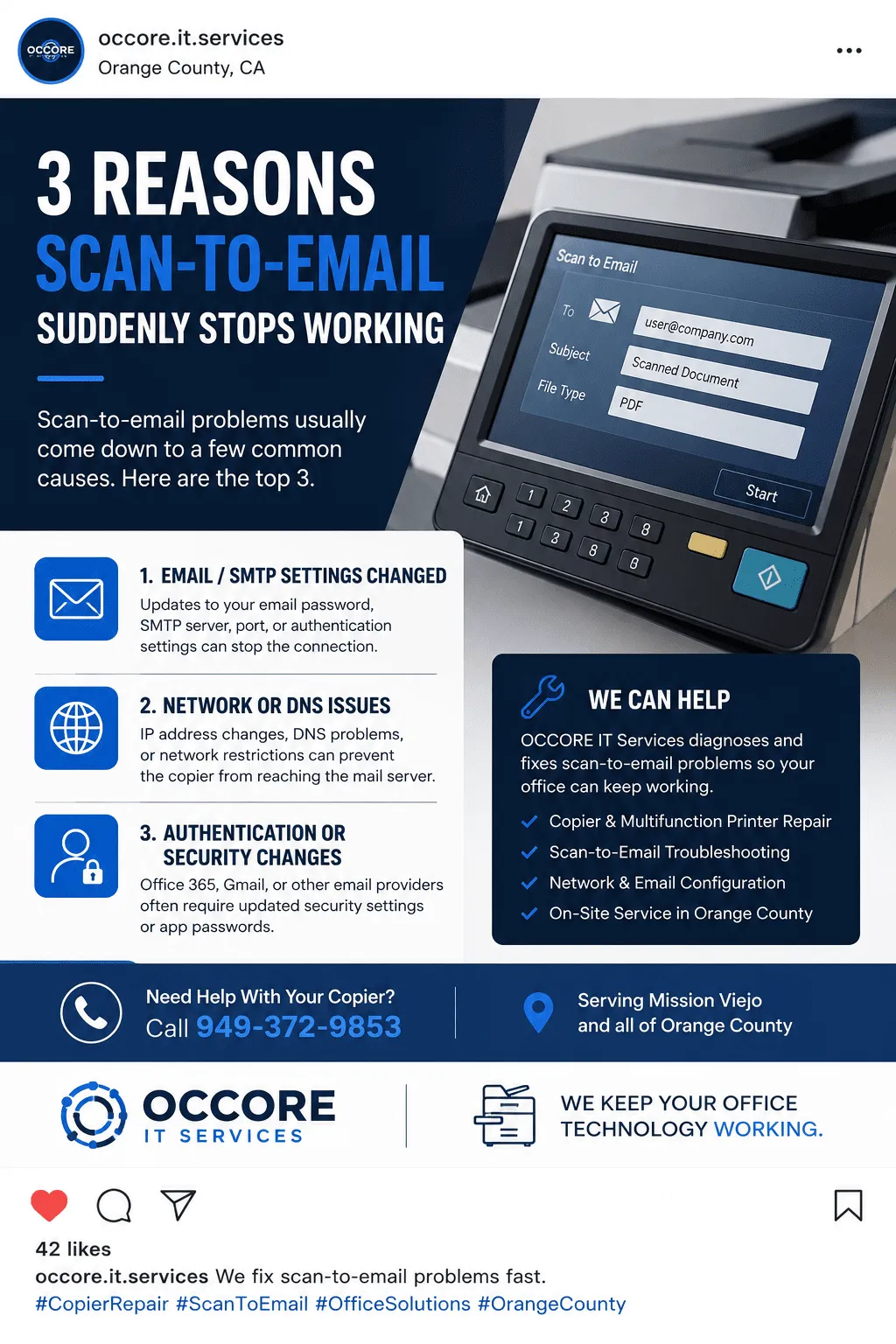
Why Scan-to-Email Stops Working
A copier can still copy and scan, but fail to email because sending email depends on network, SMTP, DNS, authentication, and email-provider settings.
Wrong SMTP server settings
Email password or app password changed
Microsoft 365 or Gmail security update
DNS or internet connection problem
Blocked SMTP port
Copier address book issue
Authentication failure
Scanner can scan locally but cannot send email
SMTP Settings
Scan-to-email often fails when the SMTP server, port, security type, username, password, or sender address is incorrect.
Email Security
Microsoft 365, Gmail, and other email providers may block copier email if authentication, MFA, or app passwords are not set up correctly.
Network Problems
DNS, gateway, firewall, internet, or blocked SMTP ports can stop the copier from sending scans even when copying still works.
What We Check First
- Can the copier reach the internet?
- Are DNS and gateway settings correct?
- Is the SMTP server and port correct?
- Did the email password recently change?
- Does the email account require an app password?
- Is SMTP authentication enabled?
- Is the copier using the correct sender email address?
- Are firewall or security settings blocking email?
Copier Scan-to-Email FAQ
Why does my copier scan but not email?
The copier may still scan correctly, but scan-to-email can fail because of SMTP settings, password changes, email security updates, DNS problems, blocked ports, or authentication issues.
Can Microsoft 365 or Gmail cause scan-to-email to stop working?
Yes. Security changes, app password requirements, multi-factor authentication, or SMTP authentication settings can stop a copier from sending scanned documents by email.
Can you fix copier scan-to-email problems?
Yes. OCCORE IT Services can help troubleshoot copier scan-to-email problems, SMTP settings, network issues, address book settings, and email authentication problems.